FigDocs
Documenting design changes is often considered as manual and repetitive work. I've felt this pain from both sides: as a UXer who cares deeply about documentation quality, and as a frontend dev who has to actually use those specs in the past to build things. When I saw Uber's post about uSpec (opens in new tab), I knew I wanted to build something like that. It also seemed like the perfect excuse to finally try the Figma MCP.
What I built
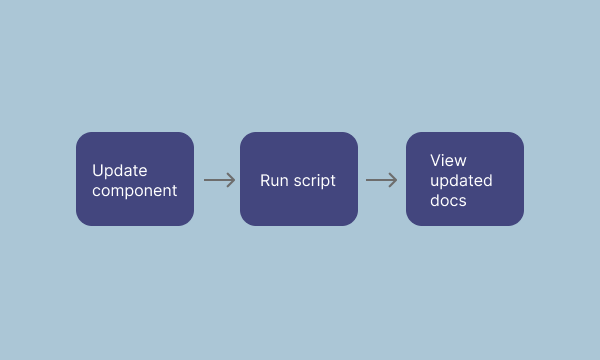
A script that reads a Figma component via the official Figma MCP server and generates a living documentation webpage. Every time you update the component in Figma and run the script, the page updates automatically without any manual writing.
I tried it out by automating the design documentation for a simple button component that I created in Figma. The output includes all visual states, an interactive playground, a props table with types and descriptions, and a changelog section.
Final thoughts
What makes this useful is that documentation stops feeling like a separate task that needs to be done manually and is more integrated in a designer's workflow. You make a change in Figma, run the script, and the page reflects it.
I can also see this helping with accessibility documentation, which can sometimes fall through the cracks when teams are moving fast. Having it generated by default could make a real difference there.
Despite all the automation, I'd still want a designer still needs to be in the loop. The script can read what was built, but only the designer knows why. Fully unsupervised AI docs will have gaps, and some won't be obvious until someone makes a wrong call based on them.
View the script in action below: